REPOST Meaning on TikTok: What It Means and How It Works
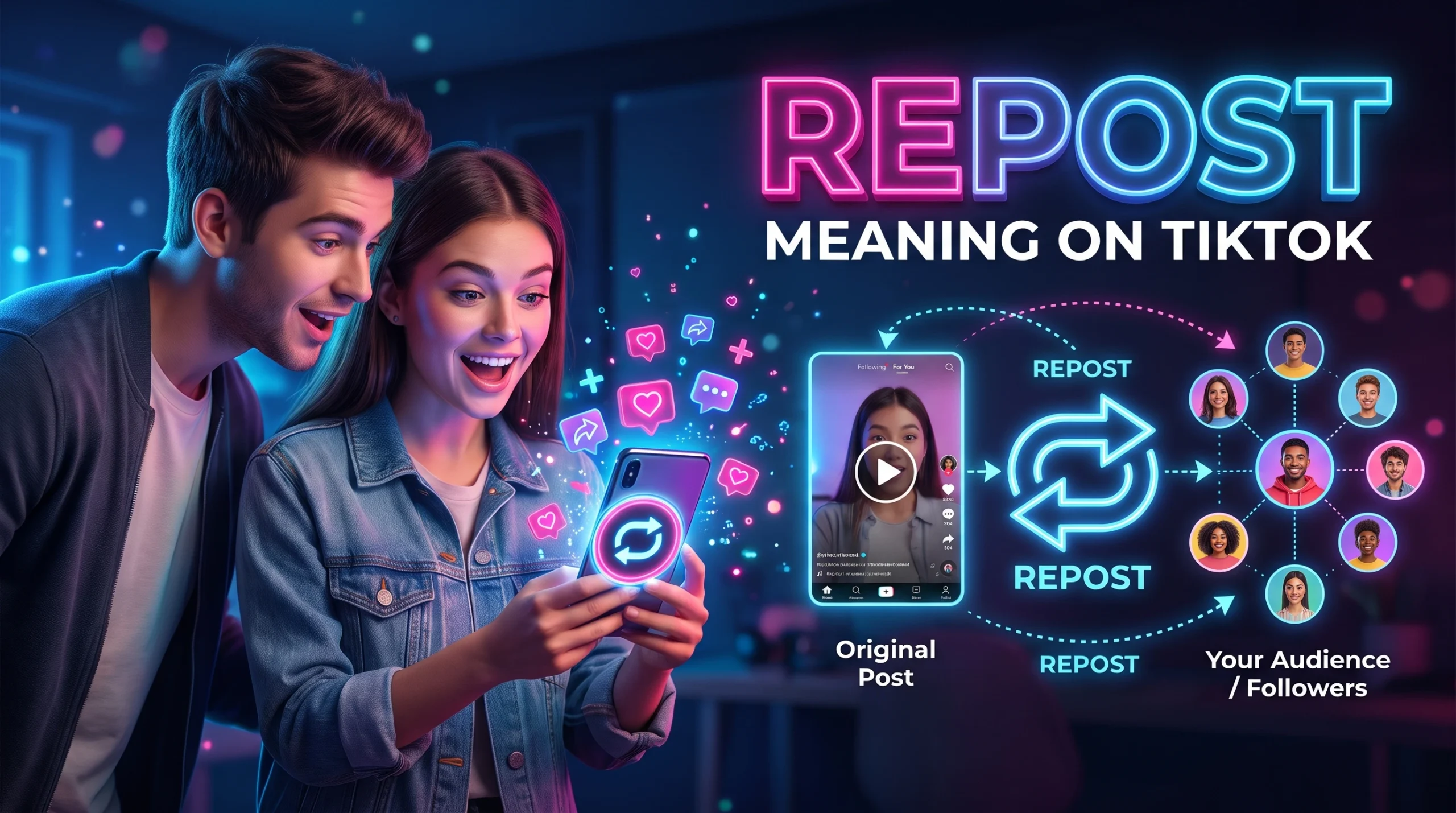
REPOST on TikTok means sharing someone else’s video with your TikTok community through the platform’s built-in repost feature. When you repost a video, TikTok can recommend it to your friends’ or community’s For You feeds, with a repost label that shows your profile information. The original creator and video remain the same.
TikTok Support+1
For example, if you see a funny video and tap Repost, you are sharing it with your TikTok community rather than creating a new video yourself. People may see the video while scrolling through their feeds, depending on TikTok’s recommendations and their settings.
The feature is useful when you want to recommend a funny clip, share a helpful tip, or show support for a creator. However, reposting is different from liking a video, sending it directly to a friend, or uploading your own content.
What Does REPOST Mean on TikTok?
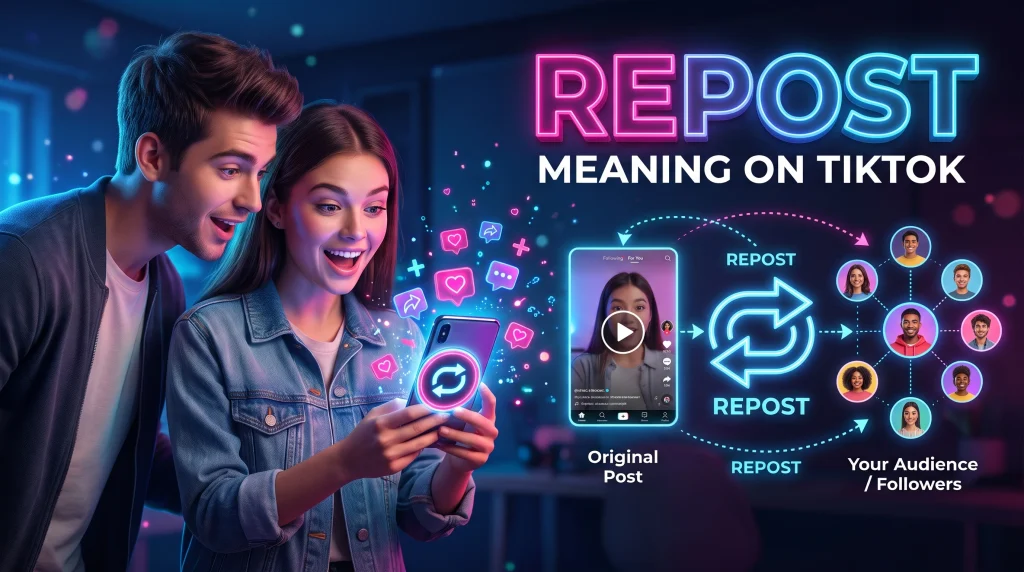
On TikTok, repost means recommending or sharing an existing video with your community using TikTok’s Repost feature. It is a simple way to help other people see content you find interesting without downloading and uploading a separate copy.
Imagine that your friend posts a useful cooking tip, or a creator shares a comedy video you enjoy. When you repost that video, you signal that you want to share it with others who may be interested.
The word itself is not slang with a hidden meaning. It describes an action within the app. Depending on the context, someone saying “I reposted it” simply means they used the feature to share a video with their TikTok community.
Example of REPOST in a TikTok Conversation
Here is how people might use the term in everyday conversation:
Friend 1: “Did you see that funny dog video?”
Friend 2: “Yes, I reposted it!”
This means Friend 2 shared the existing video through TikTok’s repost feature.
Another example:
Friend 1: “Why is this video showing up on my feed?”
Friend 2: “I reposted it because I thought you’d like it.”
In this case, the video may have appeared because TikTok recommended content associated with the repost.
How Does the TikTok Repost Feature Work?
TikTok’s repost feature lets you share videos you enjoy with your community. A repost can appear in other people’s For You feeds with a label identifying it as reposted and showing your profile information. Its actual reach depends on TikTok’s recommendation system, so reposting does not guarantee that all your followers will see the video.
TikTok Support+1
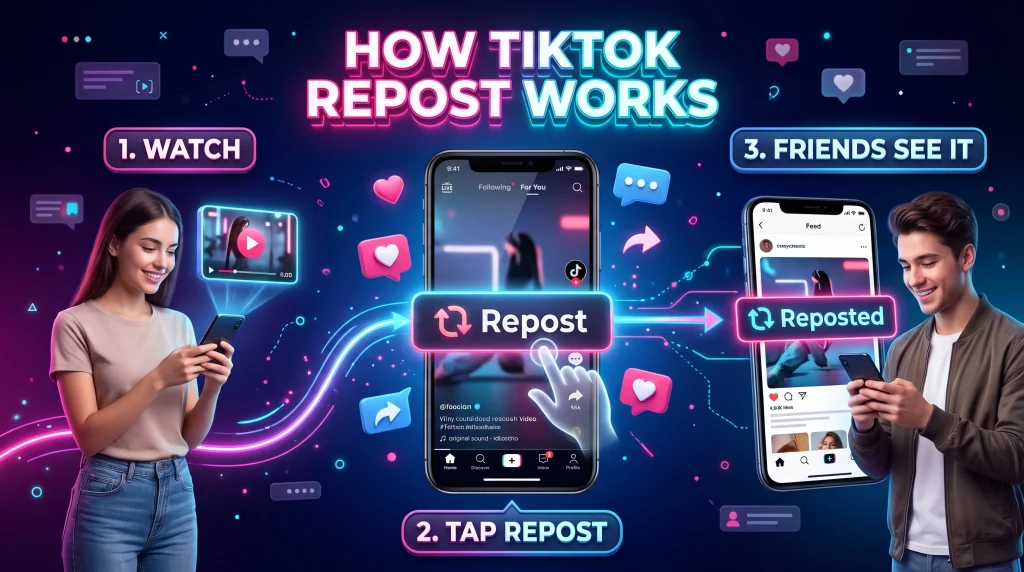
Here is what generally happens when you repost a video:
- You find a video you want to share.
- You tap the Share button and select Repost.
- TikTok registers your repost.
- The video may appear in feeds of people in your community.
- Viewers can watch the original video and interact with it.
Reposting does not mean you have downloaded the video or published a new, separately created video on your own account. The content remains connected to its original creator.
The exact buttons and menu layout may vary with app version, language, region, or feature availability.
How to Repost a Video on TikTok
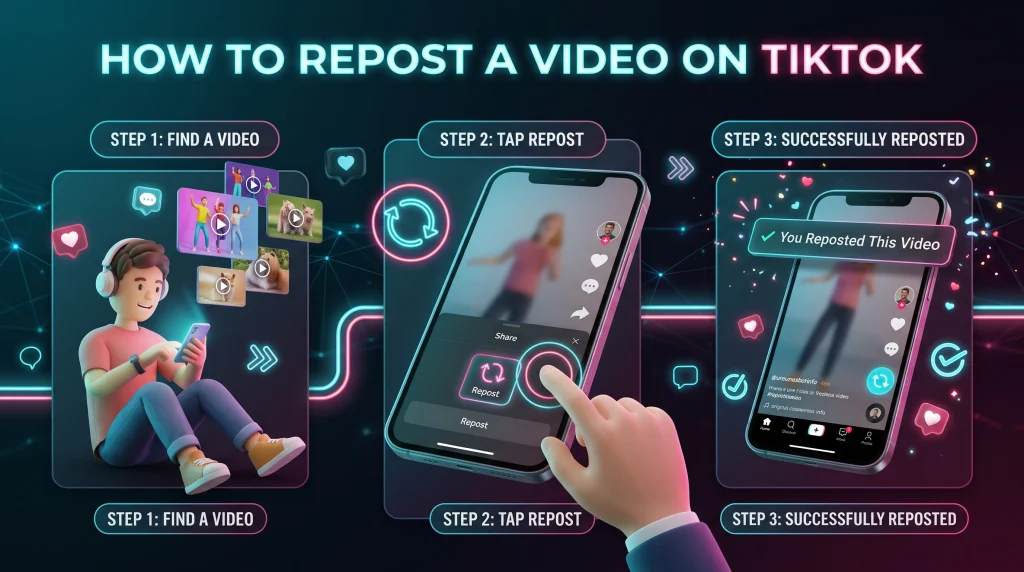
If you want to repost a TikTok video, you can usually do it directly from the mobile app.
Method 1: Use the Share Button
- Open TikTok on your phone.
- Find the video you want to repost.
- Tap the Share arrow on the video.
- Select Repost from the available options.
TikTok will register the repost. You do not need to download the video or upload it again.
TikTok Support+1
Method 2: Press and Hold the Video
On supported versions of TikTok, you can also press and hold the video to open an options menu. If Repost appears, tap it to share the video with your community.
If the Repost option is missing, the feature may not be available for that particular video or in your current app experience. Check that you are using an updated version of TikTok and try the Share menu.
How to Undo or Remove a Repost on TikTok
If you repost a video by mistake, you can usually remove the repost without deleting the original video.
Follow these steps:
- Open the video you reposted.
- Tap the Share button.
- Select Remove repost.
On supported versions, you may also be able to press and hold the video and select Remove repost. The wording and available options can vary by app version.
GeekChamp+1
Removing a repost reverses your sharing action. It does not delete the original creator’s video.
If you cannot find the video again, check the Reposts tab on your TikTok profile if that tab is available. You can also search for the creator or look through your watch history, if enabled and available.
Where Can You Find Reposted Videos on TikTok?
TikTok may display reposted videos in the Reposts tab on your profile. To check, open TikTok, tap Profile, and look for a tab marked with the repost symbol or label. The exact profile layout can differ between accounts and app versions.
If the Reposts tab is not visible, it does not necessarily mean you have never reposted a video. The layout or availability of the feature may differ, and you may need to locate a specific video through search or your viewing history.
Keep in mind that a repost is not the same as a saved video. Reposting shares the content with your TikTok community, while saving or favoriting content is intended to help you find it again, depending on the options available in your app.

Why Do People Repost Videos on TikTok?
People repost videos for several reasons, and the meaning is usually straightforward: they want to share content they like with other people.
Common reasons include:
- Sharing humor: Reposting a funny video or meme that friends might enjoy.
- Supporting creators: Helping more people encounter a creator’s content.
- Sharing useful information: Recommending tutorials, recipes, study tips, or practical advice.
- Showing agreement: Sharing a video that reflects an opinion or idea.
- Joining a trend: Passing along popular content that fits a current online conversation.
A repost can sometimes suggest that a person relates to a video’s message, but it does not always mean they agree with every statement in it. People also repost content because it is entertaining, surprising, or worth discussing.
If you are trying to interpret someone’s repost, consider the video’s subject and your conversation with that person rather than assuming the repost has a personal or romantic meaning.
REPOST vs. Share vs. Like vs. Favorite on TikTok
These actions may look similar because they all involve interacting with a video, but they serve different purposes.
| TikTok action | What it means | Main purpose |
|---|---|---|
| Repost | Recommend an existing video to your community | Share content with others |
| Share | Send a video to someone or share its link through available options | Pass content to a specific person or destination |
| Like | Tap the heart to show appreciation | Express that you enjoy the video |
| Favorite | Save content to your Favorites, when available | Make it easier to find later |
| Comment | Write a response beneath a video | Join the conversation |
| Upload | Publish your own video or a permitted copy | Post content to TikTok |
The main difference is that reposting is a way to recommend an existing video to your community, while direct sharing sends content to a selected person or destination. A like expresses appreciation, and a favorite helps you keep track of content.
Does TikTok Notify Someone When You Repost Their Video?
TikTok’s repost feature can show your profile information alongside a repost in other people’s feeds. However, the exact notifications and visibility a person receives can depend on TikTok’s current app behavior and settings. The official help information describes how reposts work, but it should not be assumed that every repost triggers a direct notification to the original creator.
TikTok Support+1
If you repost a friend’s video, they or other viewers may notice your repost depending on where the content appears and what information TikTok displays. If you want to know whether a specific person saw it, the repost action alone does not confirm that they did.
Can You Repost Your Own TikTok Video?
The Repost feature is primarily designed to share videos you find on TikTok. It is different from publishing your own video again.
If you want to share your own content with more people, you can use TikTok’s available sharing options or create a new post. Reuploading a video is a separate action from reposting, and you should make sure you have the rights to any third-party content you include.
Conclusion
REPOST on TikTok means sharing an existing video with your community through TikTok’s built-in feature. It can help you recommend funny clips, useful tips, and content you think other people will enjoy without uploading a separate copy.
To repost, open the video, tap Share, and select Repost. To undo it, open the video again and choose Remove repost from the Share menu. Remember that reposting is different from liking, favoriting, or directly sending a video to someone.
FAQ: REPOST Meaning on TikTok
What does REPOST mean on TikTok in simple words?
REPOST means sharing someone else’s TikTok video with your community so other people may see it in their feeds.
Does reposting on TikTok mean someone likes you?
No. A repost does not automatically mean someone likes you romantically. They may simply enjoy the video, agree with its message, or want to share something funny or useful.
Can people see what I repost on TikTok?
Your reposts may be visible through TikTok’s Reposts feature and may appear in other people’s feeds. Visibility can depend on account privacy, app settings, and TikTok’s current design.